

Come Thou Fount
Key of GRobert Robinson, 1758 · public domain. Bring your own ChordPro charts and PDFs, or let Vessel draft a rhythm chart from a recording for you to correct.
Worship, people & Sundays · iPhone, iPad, Mac & web
Vessel plans the service, schedules the people who said they could serve, and puts every chart in the right key on every phone. Then it runs the rest of the week too: people and care, kids’ check-in, sign-ups, giving records and the TVs in the lobby.
No card needed. Everything below is live: change a key, fill a position, build an order.
Pictured: Vessel Worship on iPad showing the chart book with a chord chart and a row of keys, and on iPhone showing a volunteer’s next service with Confirm and Decline buttons. The church and people shown are made up.
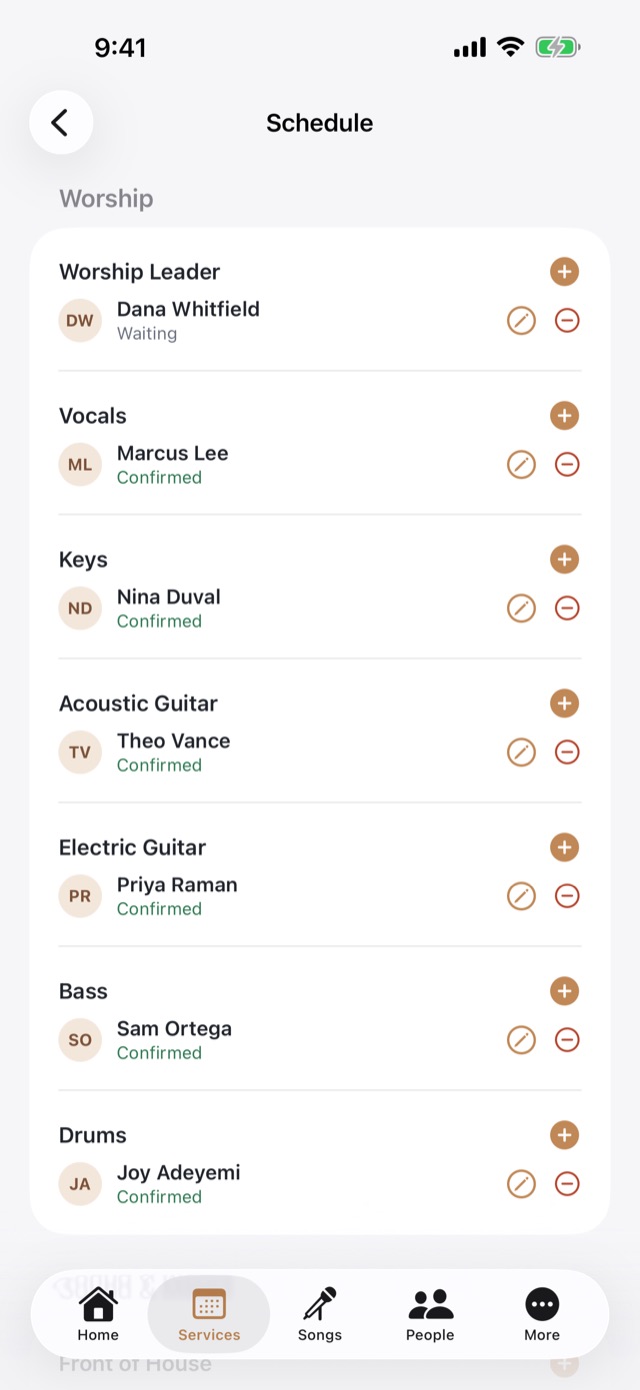
Your team answers an availability request once. When you fill a service, Vessel offers only the people who said yes to that date.
Pick this Sunday’s key and the chords re-spell themselves. The rehearsal recording can follow the chart into the new key.
Worship, people, check-ins, sign-ups, giving records and lobby screens share one directory, one sign-in and one bill.
Charts · try it
One chart, stored once. Pick a key and Vessel transposes the chords. The song itself never changes, so next month’s service can use a different key without anyone re-typing anything. Change the key below and watch the chart.
Key for this service
Dot marks the written key. Now showing G, the written key.
Robert Robinson, 1758 · public domain. Bring your own ChordPro charts and PDFs, or let Vessel draft a rhythm chart from a recording for you to correct.
Scheduling · try it
Your team answers one availability request for the month, from an emailed link, with no account to make. When you fill a service, Vessel offers only the people who said yes to that date and who actually play the position. Fill a slot, then flip the switch.
The order · try it
Drop songs into the set, set the key for this service, and the runtime adds itself up as you go. The band sees it the moment you publish, not before. Add and reorder a few songs.
Tap to add or remove. All public-domain hymns here; your own library holds your songs and arrangements.
Gathering
Worship set
Word & response
On the stage
The plan is only half of it. On Sunday morning Vessel Worship is the music stand, the rehearsal track and the run sheet.
The whole church
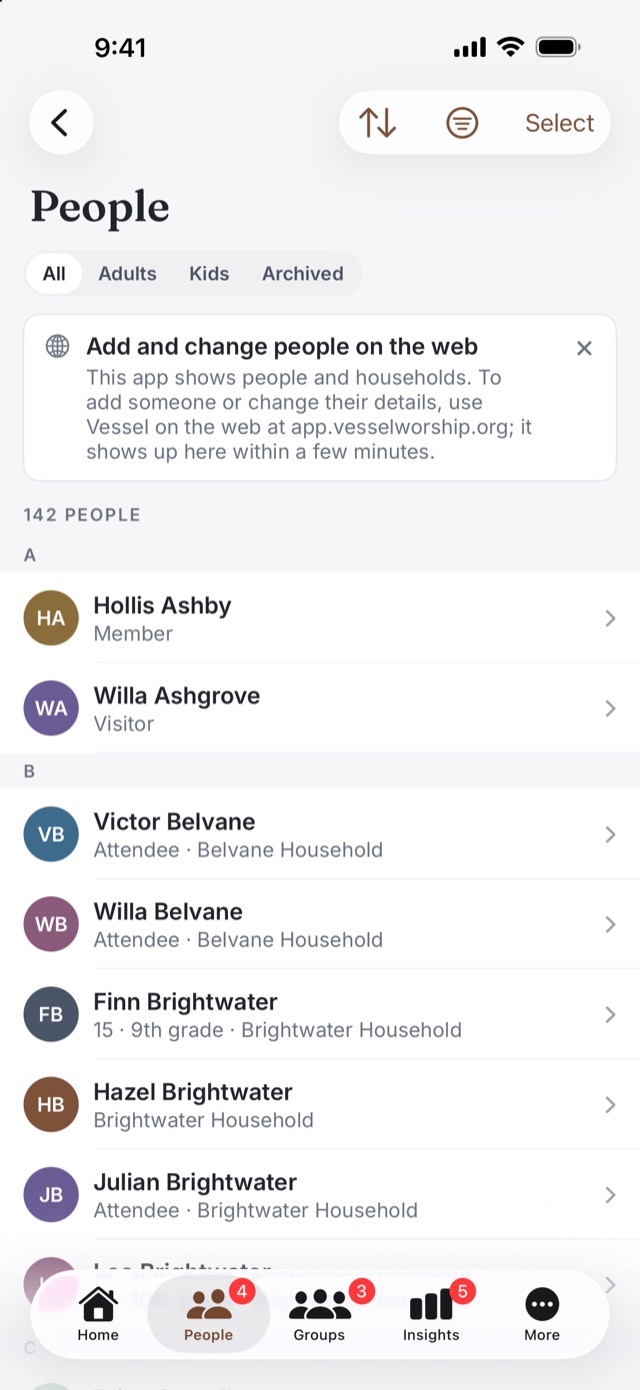
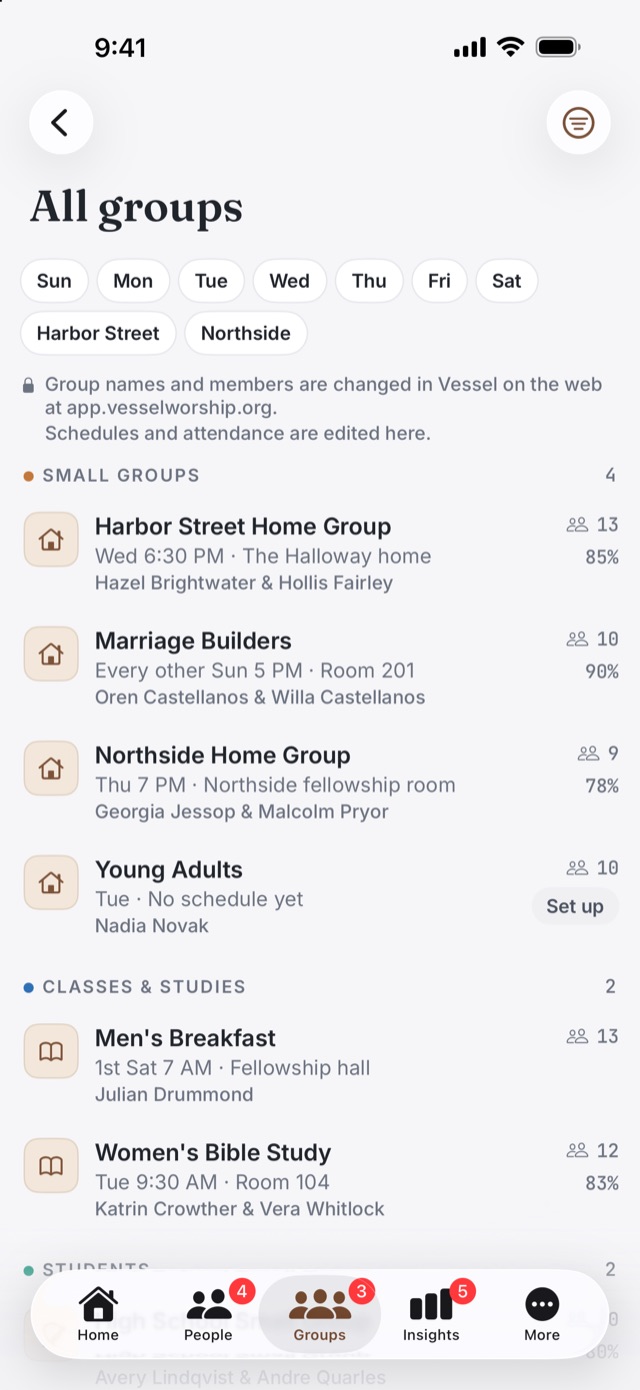
Vessel isn’t only for the worship team. The same directory, the same sign-in and the same plan cover the rest of the week, for staff, group leaders and the people they look after.
People & care
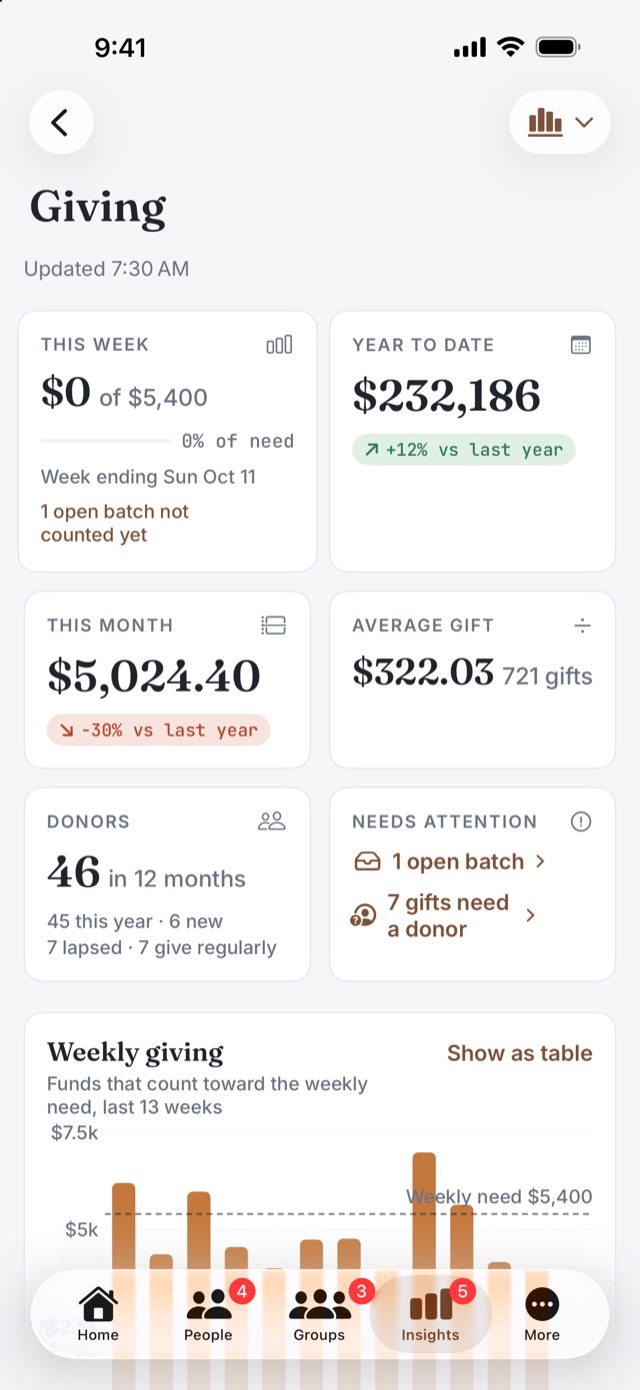
Giving records & statements
Vessel keeps your church’s giving records. Your giving platform still takes the gifts; Vessel is where they’re counted, matched and thanked.
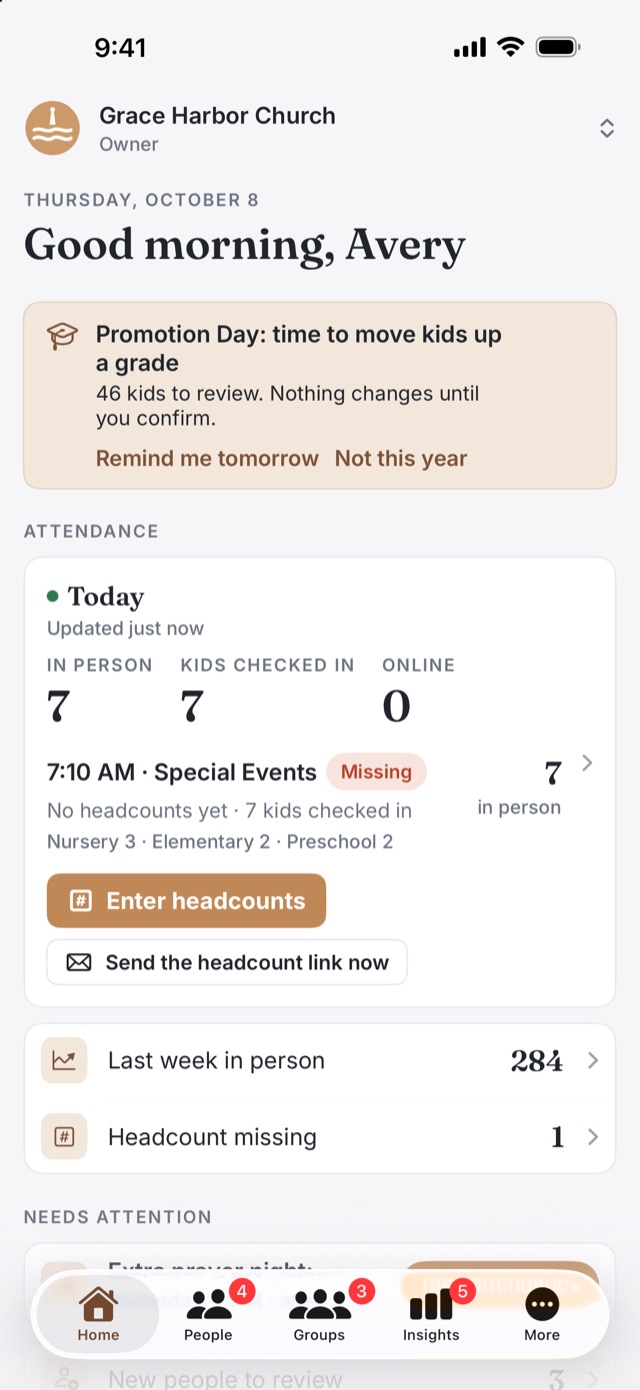
Check kids in on an iPad and print name labels on a Brother QL label printer. Stations keep working when the internet doesn’t, and every check-in counts toward attendance. Rooms and guest families are managed on the web.
Build a form and share its page: events with a limited number of spots and a waitlist, closing dates, connect cards, serve-team interest. Responses come in for review, attached to the people you already have.
One public page for your church, with this week’s sermon notes, the sign-ups open right now, the prayer wall if you switch it on, and a Give online button that goes to your own giving page. Each part is your choice.
Requests from your church, public or just for the pastors and leaders, with a tap to say you’ve prayed and a mark when a prayer is answered. On the public page, a request carries no name unless the person adds one.
The pastor shares fill-in notes from Sermon Writer, and they appear on a page anyone in the room can open on their phone.
Run the TVs in your building from Vessel with Apple TV or Android TV. Upload photos and short video loops, group them into shows, and schedule what plays on which screen and when. The Free plan includes one TV.
Plain questions about your own schedules, set lists and songs: “Who’s leading worship this week?” It answers from your church’s data and can’t change anything. In every paid plan.
Write in cards and outlines with the whole Bible beside you, then preach from your iPad. Included for pastors on church plans, or on its own for $12 a month.
See Sermon WriterYour church’s own text number, answered by an assistant that knows what you’ve told it: service times, events, how to get involved. It sends sign-up, prayer and sermon-notes links, and hands anything pastoral to a person. An add-on for paid plans.
One church, every screen
The worship leader’s Mac, the volunteer’s phone, the iPad on the music stand and the office computer all see the same church, so publishing once is enough.
Compared with Planning Center
Planning Center prices each product on its own ladder. Vessel is one plan with everything in it, priced by the size of your church.
A church with about 150 people on its teams, using the products that do what Vessel does. Monthly prices as of October 2026.
| Servicesup to 150 people on teams | $69 |
|---|---|
| Music Standadd-on to Services | $5 |
| Check-Ins75 to 200 check-ins on a Sunday | $32–$69 |
| Groups200 to 500 people in groups | $32–$69 |
| Registrationssign-ups; free for simple forms | $0–$69 |
| Publishingsermon notes in its church app | $15–$32 |
| Each month | $153–$313 |
Lobby TV signage and sermon-writing software aren’t Planning Center products, so they’re bought from someone else on top. Planning Center has no yearly discount. Prices read from planningcenter.com/pricing on October 15, 2026; your own counts decide your tiers.
Everything on the left, plus TV signage and Sermon Writer seats, priced by active people.
$79 a month, up to 1,000 active people
| Up to 300 active people3 TVs, 1 pastor seat | $39 |
|---|---|
| Up to 1,0005 TVs, 2 pastor seats | $79 |
| Up to 2,50010 TVs, 3 pastor seats | $129 |
| Pay yearly | 10 months |
An “active person” is someone in your directory who attended, served or gave in the last 12 months. The text assistant is an add-on on Vessel too.
Where Planning Center is ahead: its People app and Church Center app are free, and its Giving product processes online gifts. Vessel keeps your giving records and links to the giving page you already use, but it doesn’t take payments. Where Vessel is ahead: worship. Charts in every key, rehearsal recordings that follow the chart, scheduling that asks first, and the rest of the church in the same place.
Pricing
Every paid plan includes everything Vessel does. You choose by how many active people your church has.
Try everything free for 30 days. No card needed.
up to 50 active people
$0
Free for as long as you fit.
active people
$39 /month
Or $390 a year, two months free.
active people
$79 /month
Or $790 a year, two months free.
active people
$129 /month
Or $1,290 a year, two months free.
any number of active people
$199 /month
Or $1,990 a year, two months free.
What Free includes: everything above except Ask Vessel, the text assistant, Sermon Writer pastor seats, and more than one TV.
$39 a month
Includes 1,000 texts a month, then 4¢ a text. A one-time $49 setup covers registering your church’s number with the phone carriers. For any paid plan.
$12 a month, or $99 a year
For a pastor without a church plan. Pastors on a church plan use one of its seats instead; extra seats are $8 a month. About Sermon Writer
Questions
Someone in your directory, not archived, who in the last 12 months did at least one of these:
Headcounts, form responses, being on a group or team list, and signing in to the app don’t count on their own. Vessel counts every night and shows you the number, so there’s nothing to argue from memory.
You pick your size when you sign up. A church that has just brought its people in has no attendance or serving recorded yet, so the count only starts moving you between sizes after your first 90 days.
Nothing stops working. On a paid plan, Vessel moves you to the next size at your renewal, with notice, never in the middle of a month. Free covers up to 50 active people and up to 250 people in the directory; past that you’ll see a banner and have 30 days to choose a plan.
Nothing is ever deleted for money reasons. If a plan lapses, everyone can still sign in, read everything and export it, and Sunday keeps running: check-ins, reminders and people answering their schedule. Staff just can’t make changes until an owner sorts out the plan.
No. Pay monthly, or yearly for the price of ten months. You can change or cancel your plan yourself from the billing page.
Not to answer. Volunteers reply to availability requests from an emailed link, and shepherds and headcount counters get their own private links too. The Vessel Worship app is there for anyone who wants their schedule and charts on their phone.
No. Your giving platform keeps taking the gifts. Vessel keeps the records, matches gifts to people, sends year-end statements, and puts a Give online button on your church hub that goes to your own giving page.
Yes: ask us about a free first year on a paid plan.
Vessel sends your question and the parts of your church’s schedule it needs (service dates, set lists, song titles and the names of people on your teams) to Anthropic, the AI service that writes the answer. It isn’t used to train AI models, and nothing is sent until you ask. The privacy policy has the rest.

Thirty days of everything, with no card. Bring your team, your songs and your next service, and see how the week feels.

